I wrote about getting ipv6 to work with Mikrotik in Denmark here. Basically I created a workaround for some missing DHCP client settings and a ticket with Mikrotik requesting to add these settings. After some time my ticket was closed. Hoping for new settings, I scanned the release notes, but did not find any confirmation that my request was implemented. So I moved on, moved to a new house, and left ipv6 out of my lan.
But of course, ipv6 had to return, so after some time and RouterOS updates I opened the ipv6 DHCP client settings screen and – surprise surprise – noticed these new items:

For my ISP (EWII) in Denmark, you need to set both to “1”. This overwrites the auto generated values.
With those updated settings, the DHCP client pulls in the delegated prefix (PD), address (NA) and my providers DNS servers (which I don’t use) without errors. No more workarounds, nice, very nice. However, that’s not enough to get ipv6 to your clients. We now have:
- LAN network prefix – based on the delegated prefix (PD), in my case a /48 one.
- WAN interface ip address (NA).
But missing are:
- LAN interface ip address.
- LAN network address.
You need to select one network out of the delegated prefix for the LAN interface. With a /48 prefix you have ffff/65536 networks, of which the top one (ffff) is used on the WAN. So I selected network 0000, but for visibility it’s better to select network 0001 (ipv6 address notation leaves out zeros) on the LAN. But where does that go in RouterOS? Well, let’s compare with ipv4 where you assign a private ip address to the LAN interface, for example 192.168.1.1/24. For ipv6, it’s the same but now you select from the PD pool:
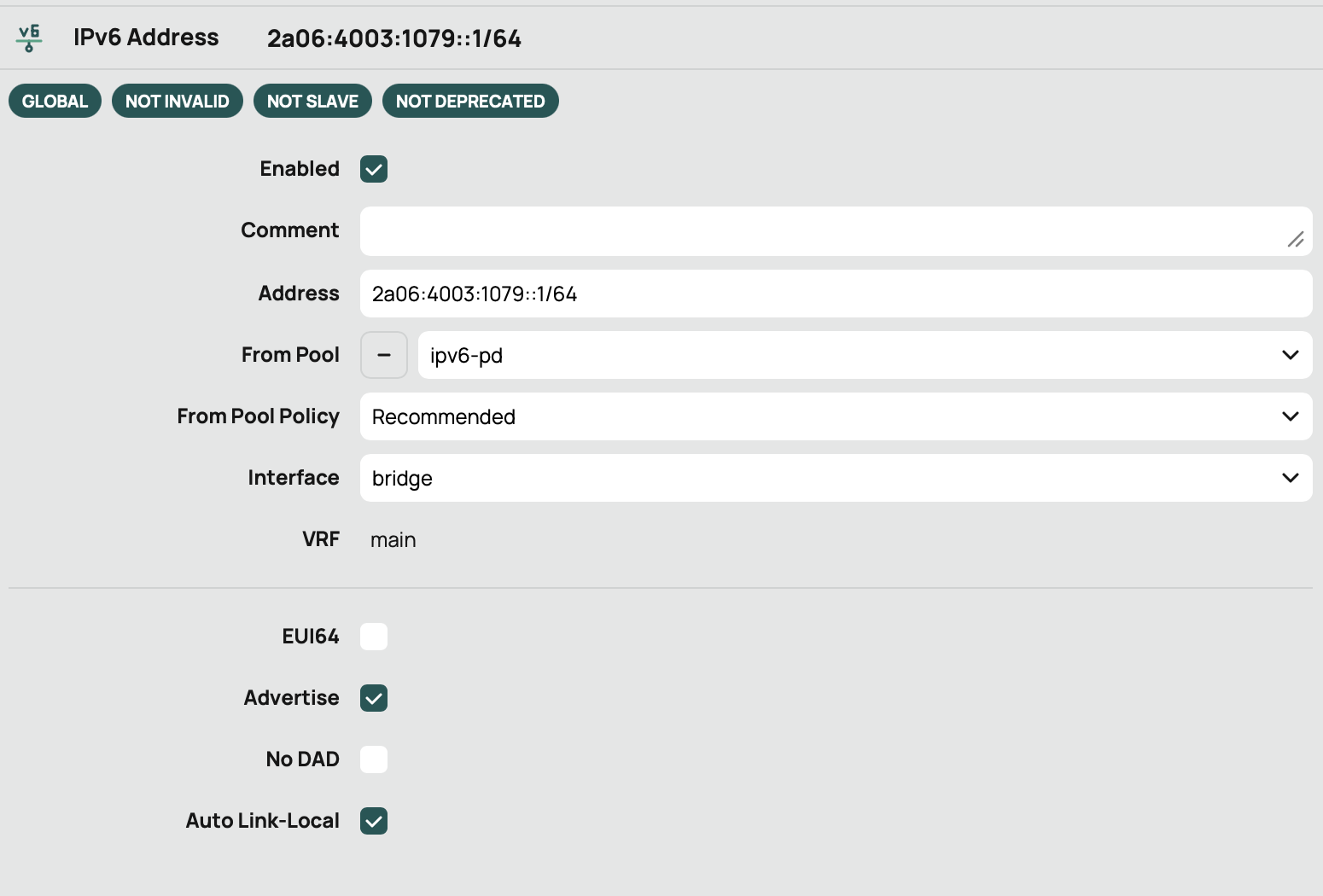
Address 2a06:4003:1079::1/64 implies network part 2a06:4003:1079:0000 and host part 0000:0000:0000:0001. Network “0000” is taken from the PD pool automatically, just enter ::1/64 in the address field and the network part is added by RouterOS. With this address on the LAN interface and Advertise selected, the RA protocol provisions IPv6 addresses to your clients. As router/gateway, a link-local address is used, and that looks like this on a Mac client:
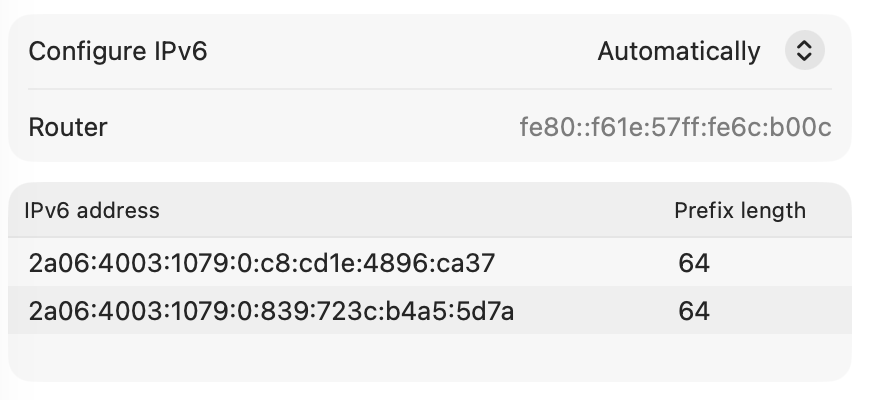
Thank you Apple for using :0: for visibility…